I right clicked the image, and I got a box with 20 selection choices, none of which is <COPY IMAGE>.Right click, copy image, I think you clicked copy image location....the pic should pop up in the box before you post
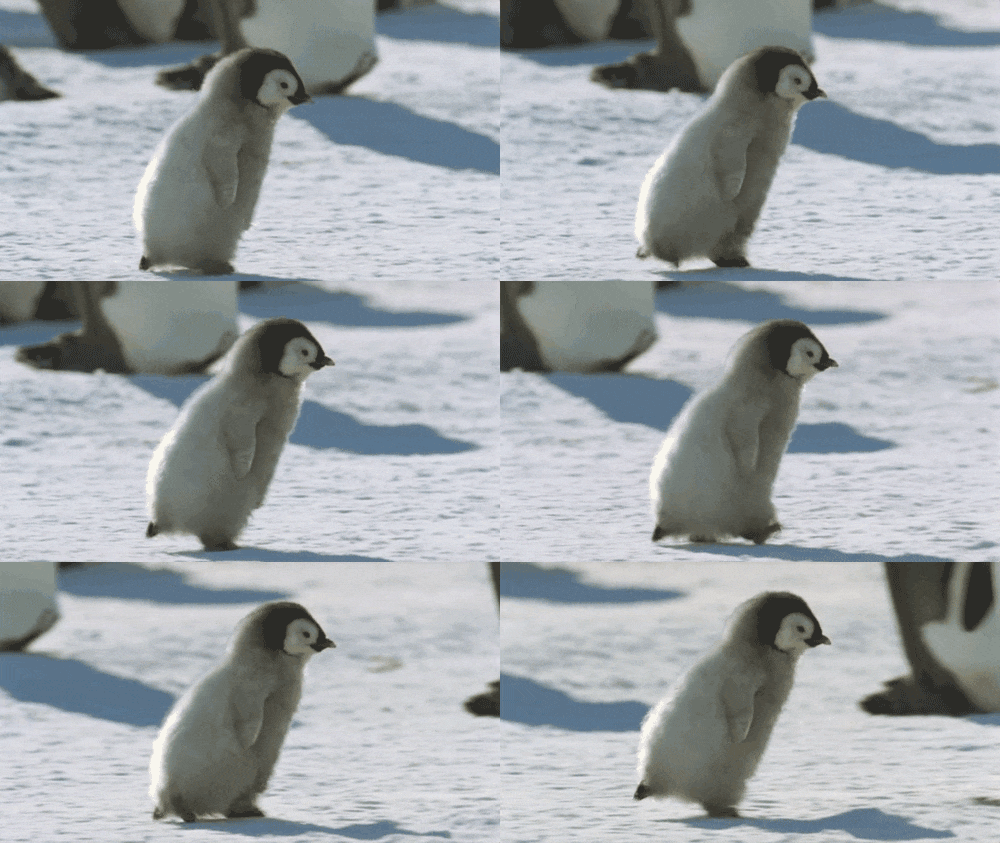
Here, sky, this is for you...

I right clicked the image, and I got a box with 20 selection choices, none of which is <COPY IMAGE>.Right click, copy image, I think you clicked copy image location....the pic should pop up in the box before you post
Here, sky, this is for you...
http://stream1.gifsoup.com/view3/1848573/happy-happy-joy-joy-r-s-o.gif Nope. And I used the only "copy" in the menu box, <COPY>
I just tried that, and the error message (file too big) came up.Ok, it has to do with your settings. Because Viligant & Kodiak's instructions did not work for me. I copied and pasted the GIF link right into the "insert image from url" box. And it worked.


Melita...your beautiful to my heart girly! Someday....a wonderful man will come, who in hopes is an amazing Christian chef! He will fall deeply in love with you...and its God and love and cookies for you dearest! Lol...Melita I love you!
I just tried that, and the error message (file too big) came up.
No sweat..... I'm not that much into "cutesy" anyway.REFRESH YOUR PAGE..... or close out & open again. That's what I did. I think trying to load the GIF too many times causes that.
my birthday is in september
just throwing that out there......... lol


Oh well. I guess it just isn't going to work for me.